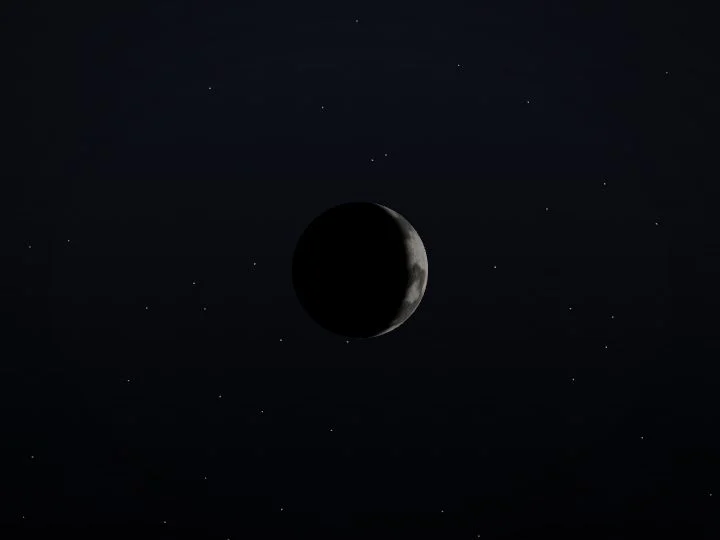
On every board

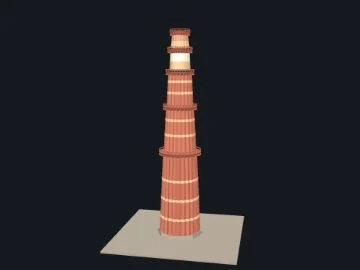
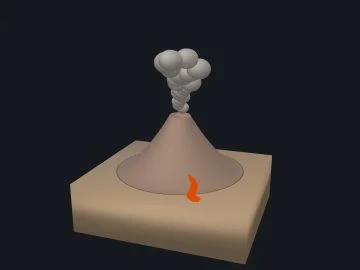
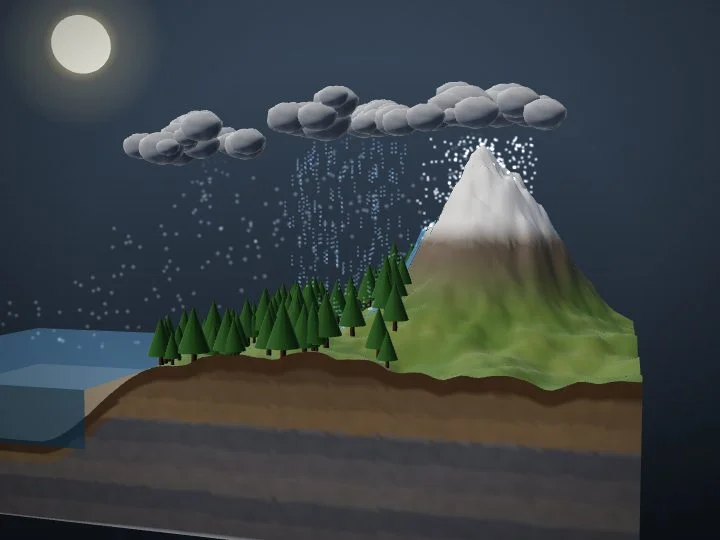
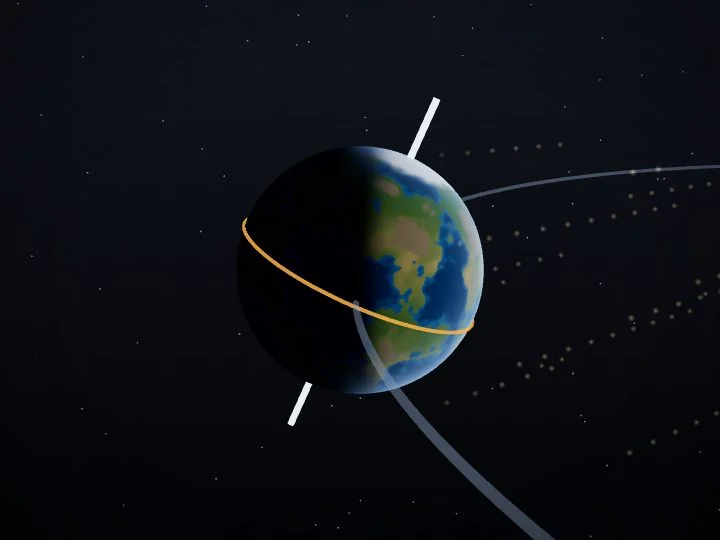
3D models58
Virtual labs5
Classroom tools20+
Languages3

Start on the screens you already have, in a few classes.

Book a demo ↗
Zynetix Board

The AI smartboard for every classroom

Write, draw and explain on an endless canvas, bring in 3D models and labs, and let Zynetix AI answer doubts, make quizzes and plan lessons, right beside the board.

Everything included₹8,500per board / year
Concept videosAI toolsUpdates
50+3D teaching models
Ask about the syllabusZynetix AIEnglish · हिन्दी · ಕನ್ನಡ
No new hardware to start

Works on the screens you already own

Smart TV + touch frame

Any TV becomes a multi-touch board with an IR touch frame.

Projector + Android tablet

Teach from the tablet; the class sees the board on the wall.

Interactive flat panel

Runs on the Android interactive panels you already own.

Windows PC or laptop

Install it on the classroom computer and teach.

Zynetix AI

A teaching assistant on every board

Grounded in your syllabus, in three languages, and always reviewed by the teacher. Here is what it does in a lesson.

Your syllabusCourses and COs
Today’s boardHandwriting and pages
Class answersQuizzes and homework
Zynetix AI
Ask a doubtIn 3 languages
✓
Quick quizMade in seconds
✓
Lesson planTimed, reviewed
✓
HomeworkThree levels
✓
Lesson summaryFrom recordings
✓
OBE insightsWeak COs flagged
✓
Early alertsWho is slipping
✓
  • Ask a doubtIn 3 languages
  • Quick quizMade in seconds
  • Lesson planTimed, reviewed
  • HomeworkThree levels
  • Lesson summaryFrom recordings
  • OBE insightsWeak COs flagged
  • Early alertsWho is slipping
Grounded in your syllabusTeacher reviews before the class sees itProcessed in India
01 · Ask anything

Doubts answered from your own syllabus

Teachers and students ask in English, हिन्दी or ಕನ್ನಡ. Zynetix AI answers from the syllabus your institution teaches, and shows where the answer comes from.

✦Zynetix AIClass 10 · Science
Why does a pencil look bent in water?

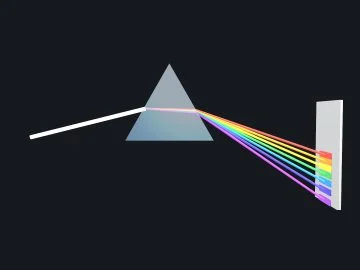
Light bends when it passes from water into air, because it travels faster in air. So the pencil looks bent at the surface.

Source · Science, chapter “Light”
Ask a doubt…➤
02

A quick quiz in seconds

Pick a topic and difficulty. Present it to the class, and the answers go to the gradebook.

✦5 questions · Refraction · Medium
Q3.
Q2.
Q1.Which ray bends towards the normal?
  • AAir to glass
  • BGlass to air
  • CAlong the normal
  • DNone
▶ Present to class
03

Reads the board

Turns the teacher’s handwriting into clean text and maths, and explains it.

↓
n = sin isin r

Snell’s law: the refractive index of the second medium.

04

Lesson plans, drafted

A timed plan for any topic. The teacher edits it, the HOD approves it.

Lesson plan · Refraction40 min
Warm-up5m
Explain with the slab15m
Class activity10m
Quick quiz10m
✓Reviewed by the teacher · Approved by HOD
05

Homework at the right level

Easy, medium and hard questions, sent straight to the student app.

Draw the path of light through a glass slabEasy
Find n when i = 45° and r = 28°Medium
Why do stars twinkle? 5 linesHard
Send to the student app →
06

Every lesson, summarised

Recorded with voice, transcribed and summarised for students who missed it.

● 00:38:12
  • Light bends when it changes medium
  • Towards the normal when it slows down
  • Snell’s law: n = sin i / sin r
Shared with the 2 students who were absent
07

The teacher stays in control

Switch AI on or off for any class. Nothing reaches students without review.

Content library

3D models, virtual labs and concept videos

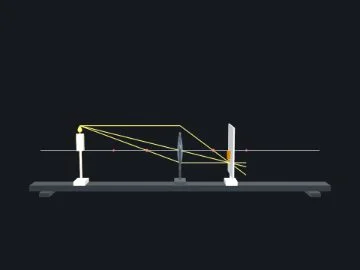
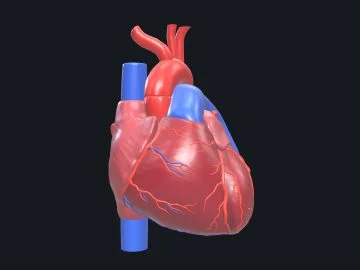
Everything opens beside the board in one tap, so the lesson never stops. Try the heart and the labs below: they work the way they do in class.

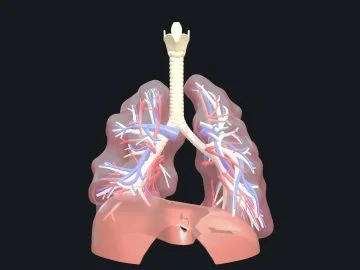
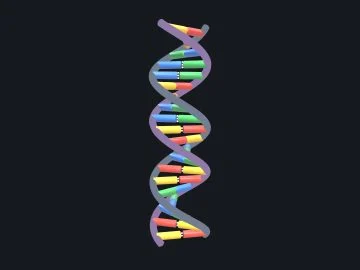
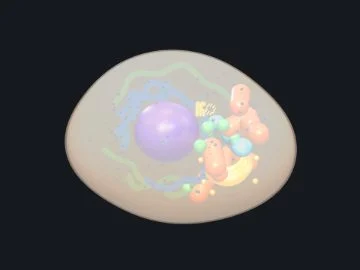
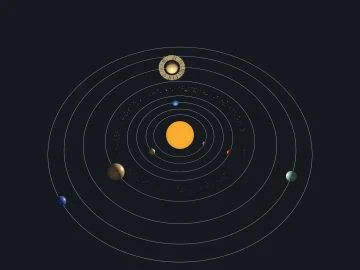
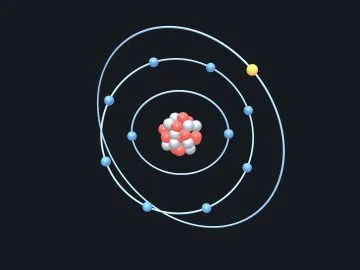
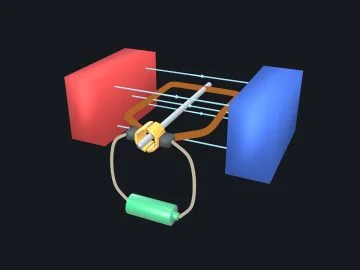
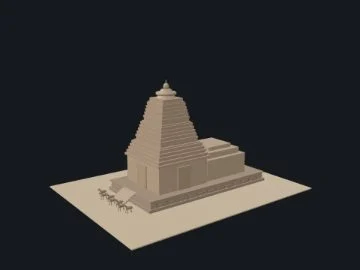
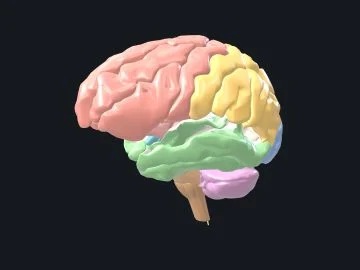
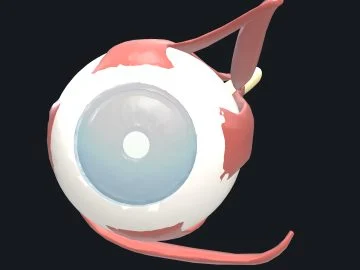
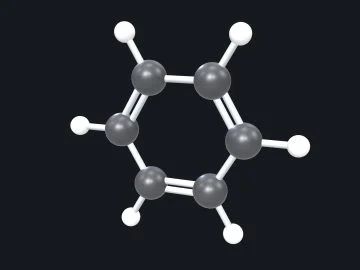
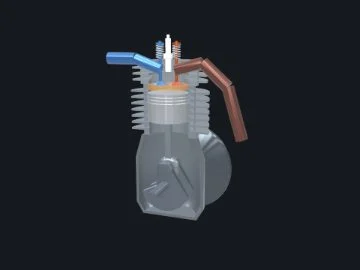
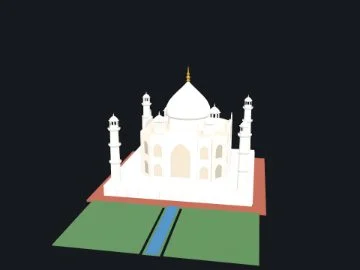
Hand the class a heart, a brain or the solar system

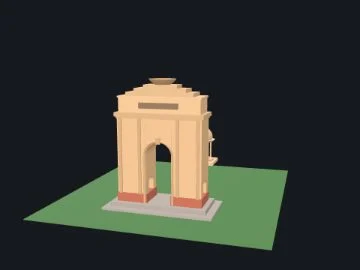
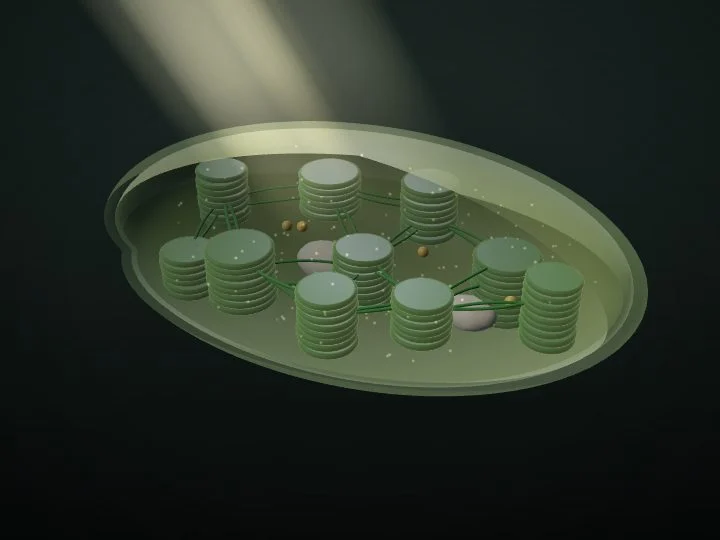
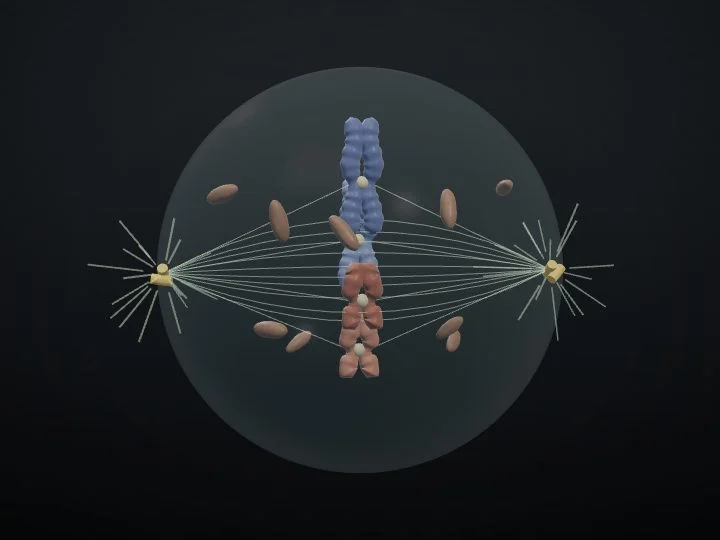
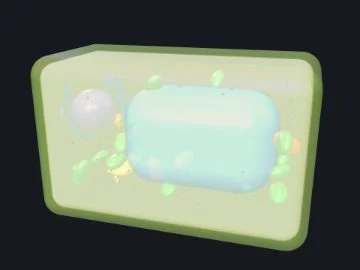
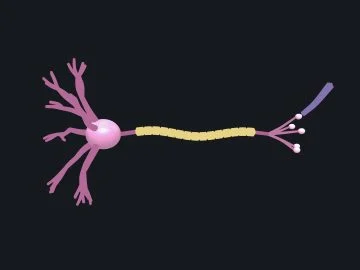
Every model opens beside the board. Turn it, slice it, tap a part and the board names it in English, हिन्दी or ಕನ್ನಡ.

BiologyPhysicsChemistrySpaceGeographyHistoryEngineering
583D models
16animated scenes
3languages
On the board

Everything a teacher needs, one tap away

01 · Teach

A board that writes like a pen

Multi-touch ink with highlighter, calligraphy and a laser pointer. Shapes show their measurements, and every lesson keeps its pages.

  • Pressure-sensitive pen and colours
  • Shapes with measurements
  • Pages with overview and PDF export
02 · Engagement

Every student takes part

Ask the whole class and watch the answers come in, pick a student at random, and give badges that parents can see.

  • Ask the class with live results
  • Random picker and seating plan
  • Badges and exit tickets
Ask the class30 of 34 answered

Which ray bends towards the normal?

AAir to glass74%
BGlass to air12%
CAlong the normal9%
DNone5%
Random picker
AnanyaRahulDivyaKiranMeeraArjunSnehaVikramAarav
Badges this week
★Star answer✦Curious mind♥Kind helper
Classroom tools

Twenty tools, mid-lesson

Each opens beside the board, so the class never loses the lesson.

Calculator
Graph plotter
Timer
Noise meter
Random picker
Mind maps
Organisers
Periodic table
Dictionary
Logic gates
Equations
Seating plan
Badges
Exit tickets
Key dates
Today’s plan
Recordings
QR sign-in
Code blocks
Go live
Connected

Attendance on the board. Everywhere else, at once.

1On the board
32 present · 2 absent
2In the ERP
Class 10 A · Period 1Saved 09:02
Attendance today94%
Parents notified2
3On the parent’s phone
09:02Class 10 A · Period 1
Z
Zynetix · now

Aarav was marked absent in Period 1, Science.

Zynetix Board₹8,500per board / year, everything includedBook a demo ↗
  • Concept videos produced in-house, ready to play in class
  • Draw, write and explain on an endless canvas
  • Lessons shared as PDFs to the student and parent apps
  • Teacher sign-in from the timetable, unlocked by PIN
  • Attendance updates the ERP and alerts parents
  • 3D models and virtual lab experiences
  • AI teaching tools you can switch on or off

Start small, then scale

Phase 1

Pilot

Run Zynetix on your existing smartboards in a few chosen classes.

Phase 2

Measure

Attendance and punctuality, engagement in class, teacher time saved, parent feedback.

Phase 3

Roll out

Extend to every class, adding new boards only where you need them.

Try it before you decideA pilot on your own screens, in a few classes.
Plan a pilot ↗
Book a demo

See Zynetix Board on your own classroom screen.

A 45-minute demo on your classroom screen and your office computer, with your timetable and your fee structure. No slides.

  • We come to your campus, or show it online
  • Start with the smartboards you already have
  • Setup is waived on a 2-year plan
See pricing →
Interested in

We only use these details to arrange your demo.